 Quiline
Live Markdown preview with scroll sync
Write Markdown and see its rendered form beside it. Quiline offers split, editor-only, and preview-only views; in split view, scrolling either pane follows the other proportionally.
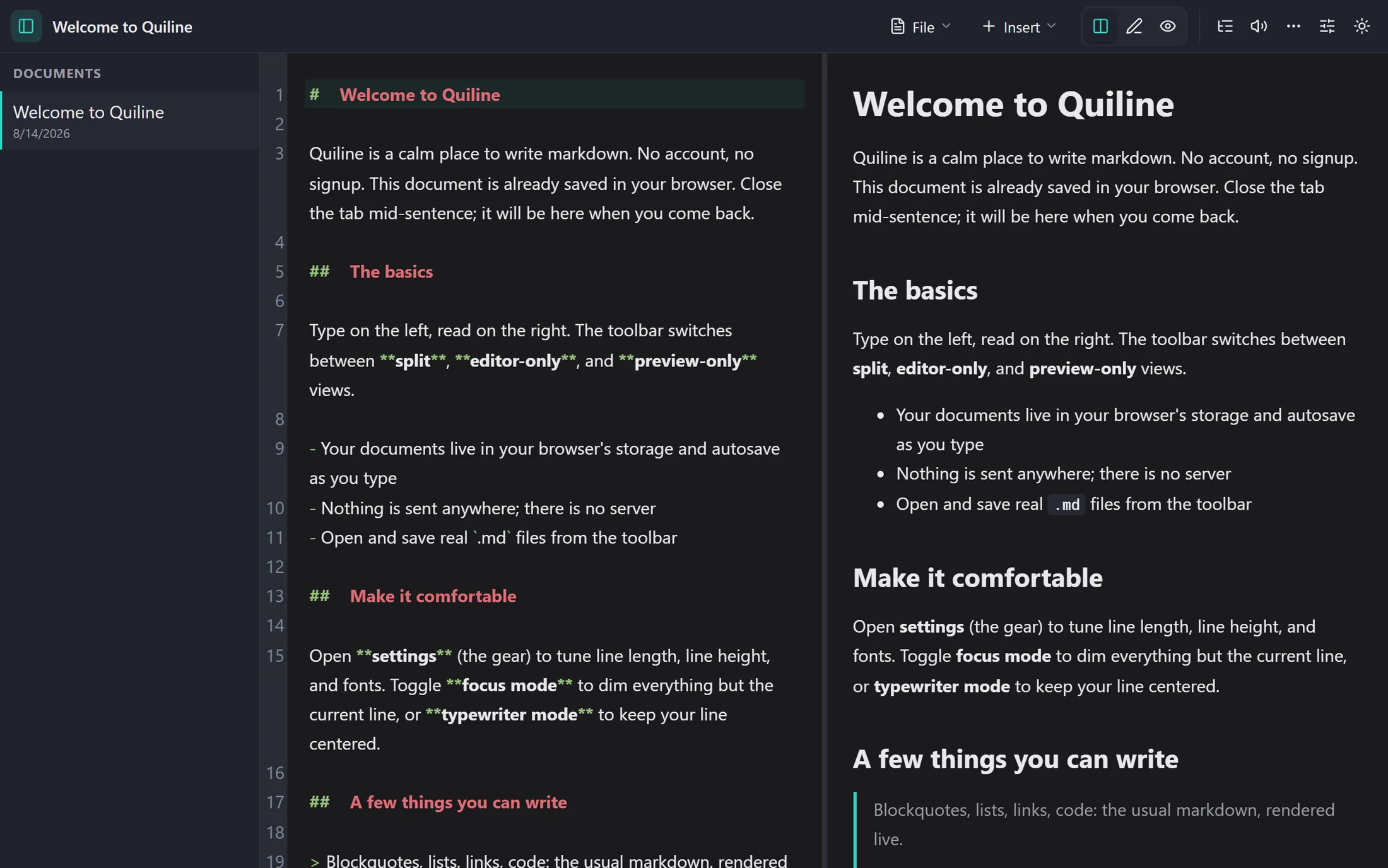
Quiline keeps source, preview, and a few useful controls in one local-first browser editor. Every feature below is available without creating an account.
Write Markdown and see its rendered form beside it. Quiline offers split, editor-only, and preview-only views; in split view, scrolling either pane follows the other proportionally.
Your drafts save to this browser, not a Quiline server. Quiline stores documents, settings, and periodic local snapshots in IndexedDB, then flushes pending changes when the tab hides or closes.
Once loaded, Quiline can be installed and used without a connection. The service worker retains the editor shell and local documents remain in the browser.
Use the browser’s file picker when it is available. Quiline opens and saves real files through the File System Access API, with a normal download fallback for browsers without that API.
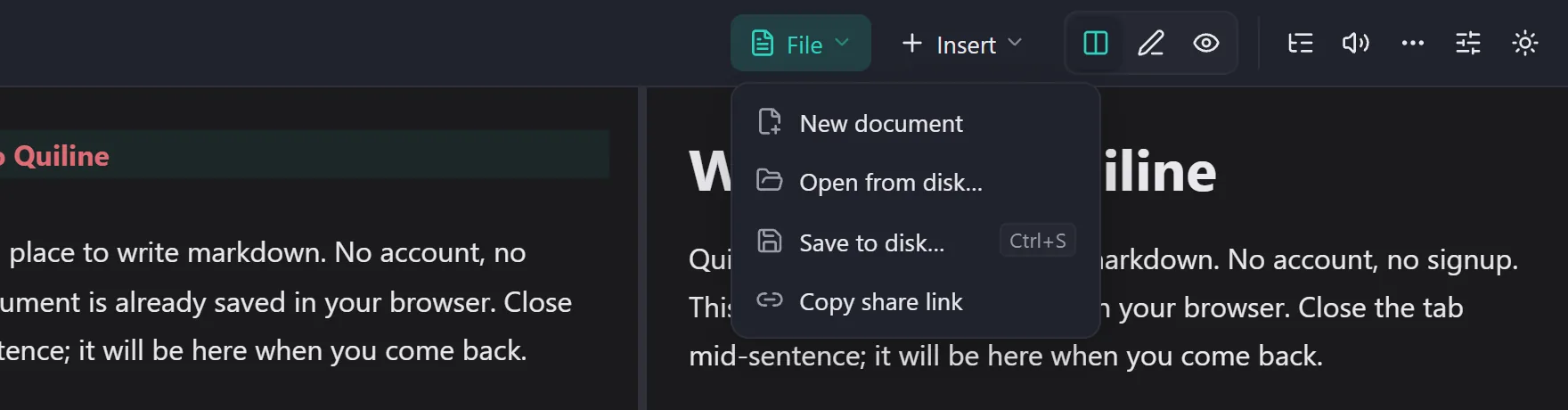
Choose a light or dark theme and tune the text measure. Line length, line height, and font pairing settings help make a long document easier to read; focus and typewriter modes reduce visual noise while you write.
Use headings as a map of your document. The outline is generated from the Markdown headings and takes you directly to a selected section.
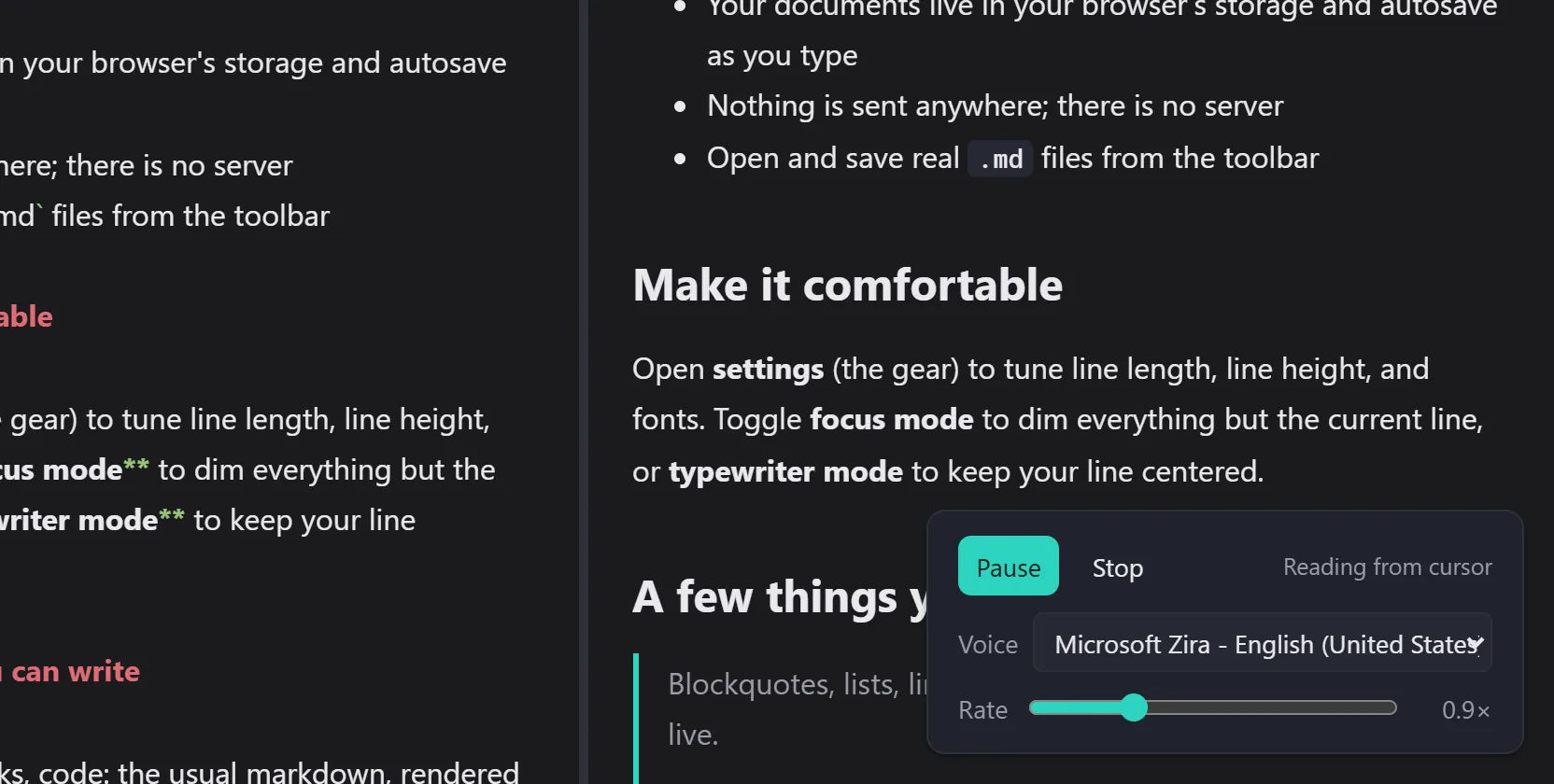
Hear the words instead of re-reading them. The read-aloud panel speaks the current selection, or everything from the cursor to the end of the document, through the speech synthesis already built into your browser. Pick a voice from the list your browser offers, set the pace between 0.5x and 2x, and both choices are remembered for next time.
What it speaks is the rendered prose, not the Markdown source: asterisks, table pipes, and link syntax never reach the voice, and fenced code is skipped because punctuation and identifiers read as noise. Headings and list items are given a sentence ending so they do not run into the following line. Which voices exist depends on your browser and operating system, and some of them synthesise over the network rather than on the device.
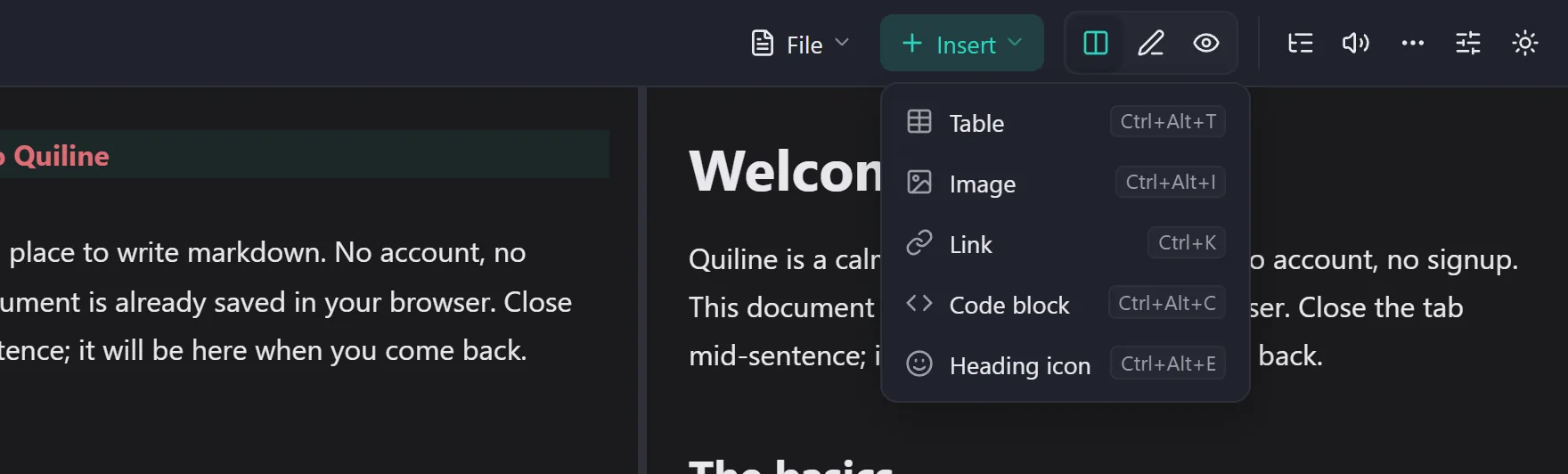
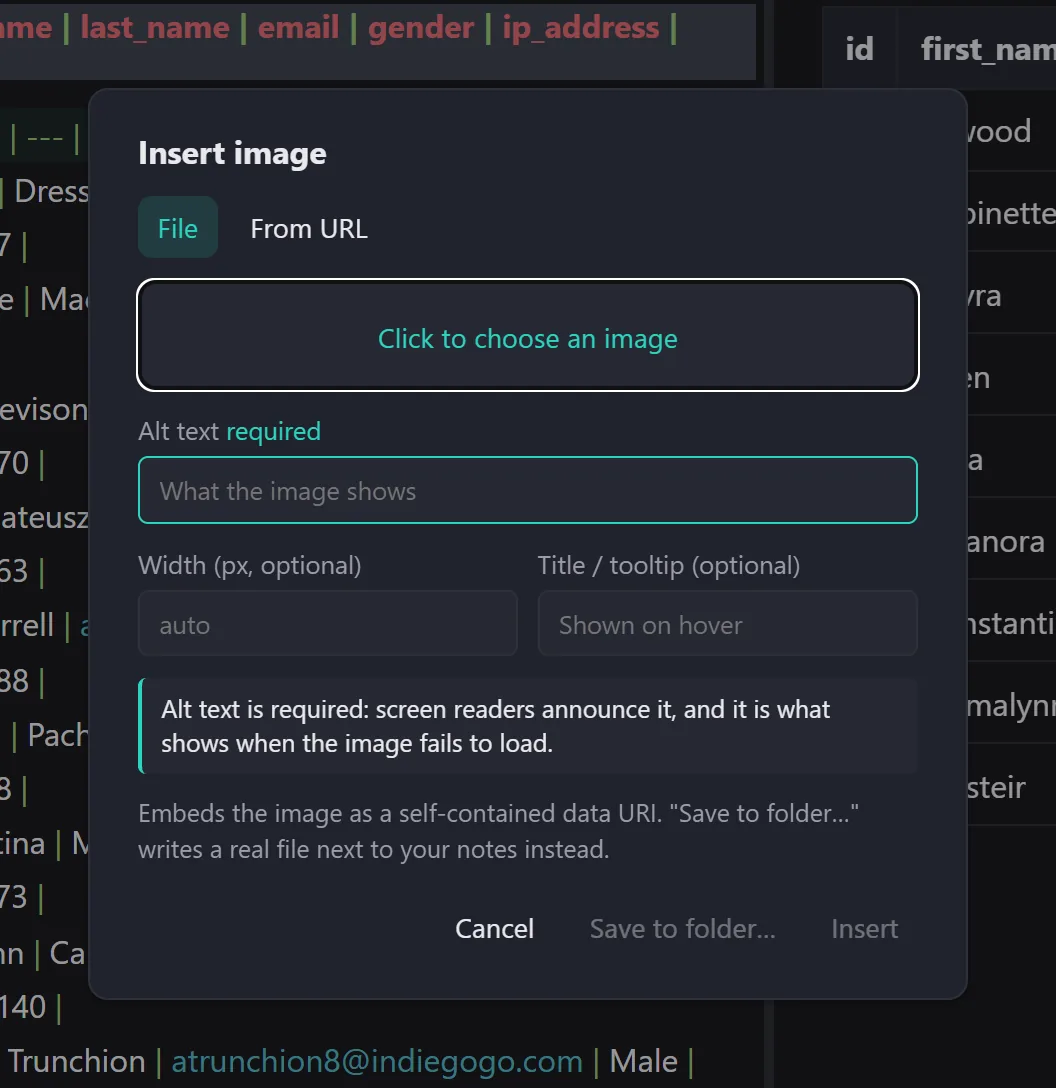
Insert common Markdown structures without memorising every character. Quiline includes an editable table grid, image and link insertion, code-block selection, and syntax highlighting for common code languages in preview.
Quiline can encode a document into a share link’s fragment. URL fragments are not transmitted in HTTP requests, so the receiving browser decodes and renders the shared document without Quiline storing it.
Those omissions are deliberate: Quiline is designed for a single writer who wants quick, private Markdown editing.
There is no trial gate or account setup.
Start writing