 Quiline
Private by default
Documents and settings live in this browser’s IndexedDB. No account, server-side document store, or tracking dashboard is needed to start writing.
Quiline is a free, private Markdown editor that runs in your browser. Build tables in a visual grid, paste a selection straight from Excel or Google Sheets, and add links without typing a single bracket. Drafts auto-save locally, work offline after the first load, and never require an account.
No converter site, no upload, no counting pipes. The spreadsheet clipboard is recognised in the editor and the selection opens in a grid you can correct before it lands.
Quiline is intentionally not a workspace, social network, or cloud drive. It is a calm writing surface that keeps the essentials close.
Documents and settings live in this browser’s IndexedDB. No account, server-side document store, or tracking dashboard is needed to start writing.
Insert and re-edit Markdown tables in a visual grid, then let Quiline write the aligned pipe syntax. See the Markdown table guide for the shortcuts.
Copy a range in Excel, Google Sheets, or Numbers and paste it into the editor. Quiline recognises the spreadsheet clipboard and converts the selection into a Markdown table instead of a wall of tabs.
Ctrl+K turns a selection into a link, and images can be dropped or pasted in. Quiline writes portable Markdown, never an editor-only scheme that breaks elsewhere.
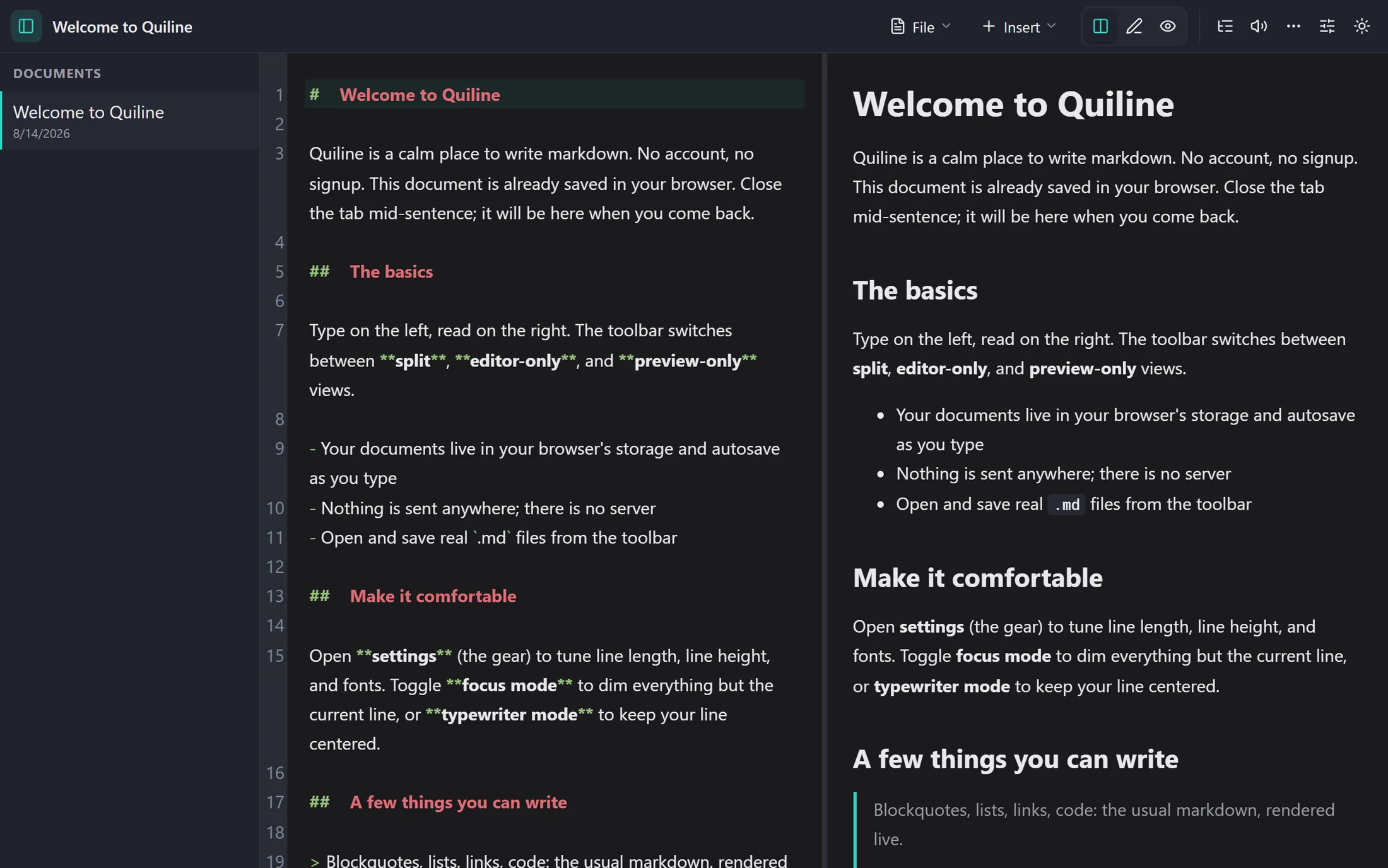
Write Markdown on one side and read the rendered result on the other, with proportionate scroll sync when you need both.
Install Quiline as a PWA and keep editing without a connection. Your local drafts remain available when the network is not.
Light and dark themes, font pairings, line length, line height, plus focus and typewriter modes. The reading surface is yours to tune, and the choice is remembered.
Play the selection or the rest of the document through your browser's own speech synthesis, at a pace you set. Quiline speaks the rendered prose, so no asterisks or table pipes, and skips code blocks.
Open and save Markdown files with the browser’s file APIs, or create a read-only link whose document data stays in the URL fragment, which browsers never send to a server.
Quiline is for private, single-person browser writing. Other editors may be a better fit when you need desktop files, a knowledge graph, or cloud collaboration.
| Need | Quiline | Consider instead |
|---|---|---|
| Private browser writing with no account | Yes, local browser storage | Dillinger also offers browser writing without signup |
| Offline browser editing | Yes, installable PWA after first load | StackEdit also supports offline use |
| Desktop-first local file workflow | Browser file access when supported | Typora |
| Linked notes and plugins | Not the goal | Obsidian |
| Cloud sync and collaboration | Not included | StackEdit or Dillinger |
Quiline is free to use. Open the editor and write.
Open Quiline